
Study Grove, a free study game for your browser. Every focused minute grows your world.
Write down what you’re studying, start the timer, and get to work. When the session ends, the minutes you actually focused become coins for a little pixel town that’s yours to build.
- Free, no ads
- Runs in your browser
- Phone, tablet or laptop
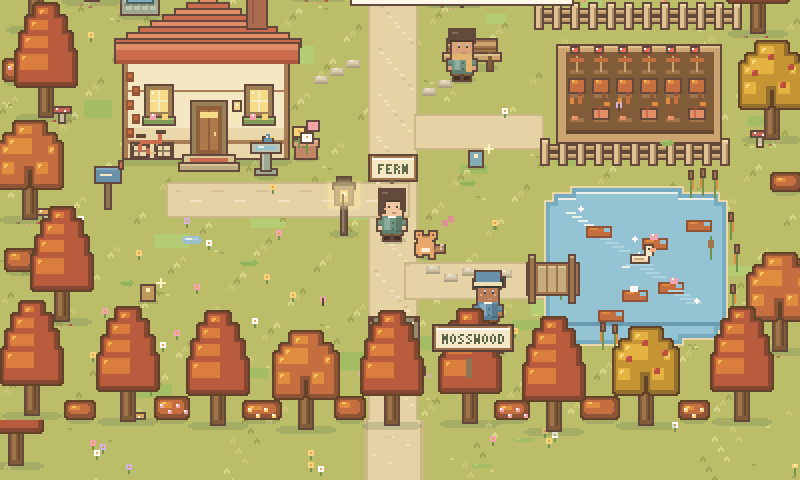
The scene is decorative. You can play the game using the Play Study Grove link.
Fernwood, drawn live by the game
In one paragraph
What is Study Grove?
Study Grove is a free study game that runs in your web browser. It pairs real study tools, a Pomodoro-style focus timer, a to-do list, a notebook and flashcards, with a cozy pixel-art world. Every minute you actually focus earns coins and XP for your cottage, your pet and new places to explore, and you can study on your own or beside other people in shared rooms.
- Price
- Free. No ads, no subscription and no paid currency.
- Where it runs
- Any modern browser on a laptop, tablet or phone. No download, and you can install it like an app.
- Account
- A free account with Google, Discord or email. It carries your save between devices.
- Focus timer
- 15, 25 or 50 minutes, or any length you choose. Pause any time.
- Rewards
- 2 XP and 1 coin for every real minute of focus. Paused time earns nothing.
- Study rooms
- Shared rooms for up to 32 people, from a silent hall to a two-floor café. No webcam.
The loop
One study session, start to finish
Study Grove never pays for time you didn’t spend studying. That one rule shapes everything else.
- 01
Name the task
Write what you’re working on, and add a subject if you like. It goes into your study journal when you finish.
- 02
Start the timer
Choose 15, 25 or 50 minutes or your own length. Pause when you need to. Paused minutes simply don’t count.
- 03
Minutes settle
When the session ends, each focused minute turns into coins and XP, counted once, even across tabs.
- 04
Spend them on your world
Furnish the cottage, care for your pet, restore landmarks and open new places to study.
On your desk
Study tools that work on their own
You could use these without ever opening the map. The game just makes it nicer to come back tomorrow.
Focus timer
15, 25 or 50 minutes, or your own length. The session carries across browser tabs, and every completed minute earns 2 XP and 1 coin.
Tasks & notebook
A minimal to-do list with subjects and ordering, plus a notebook that saves as you type. Finished tasks land in your study journal.
Flashcards
Use the included decks or write your own. Mark each card Again or Remembered, and the queue brings back the ones that are due.
Lofi radio
Four stations generated live in your browser: Grove beats, Rainy café, Mosswood morning and Starlight. No streaming, no account.
Between sessions
Somewhere to come back to
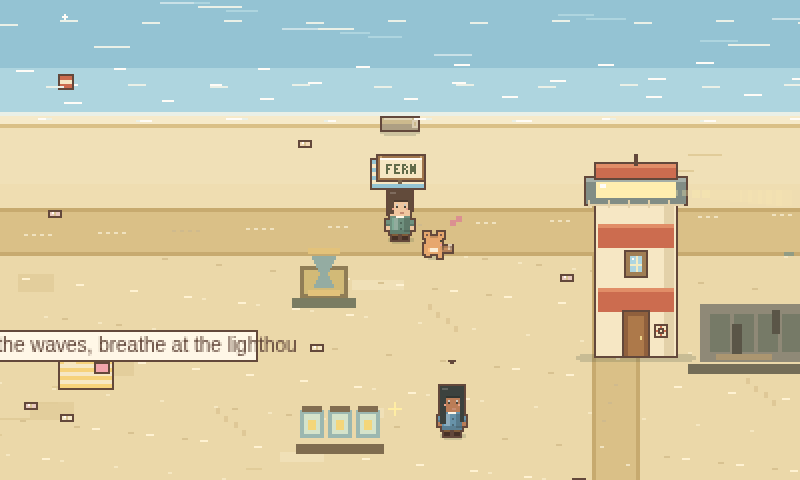
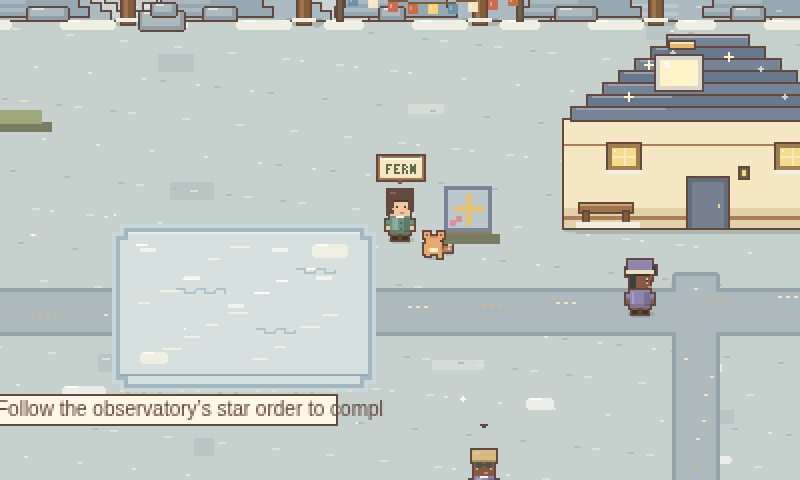
Step away from the desk and into a pixel town that fills up as you study. A cottage to furnish, a pet that grows with you, and four regions that open as you put in the hours.
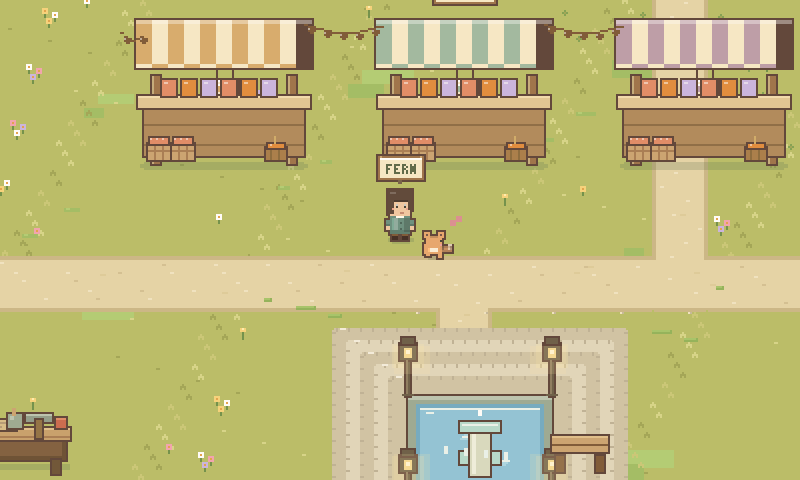
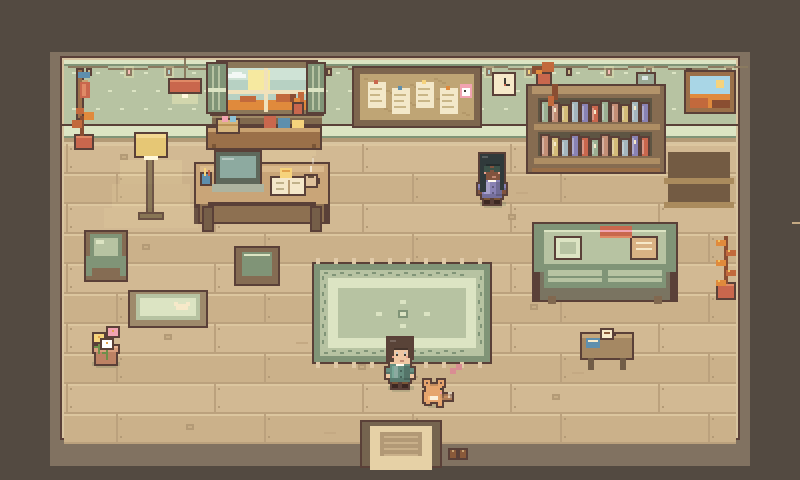
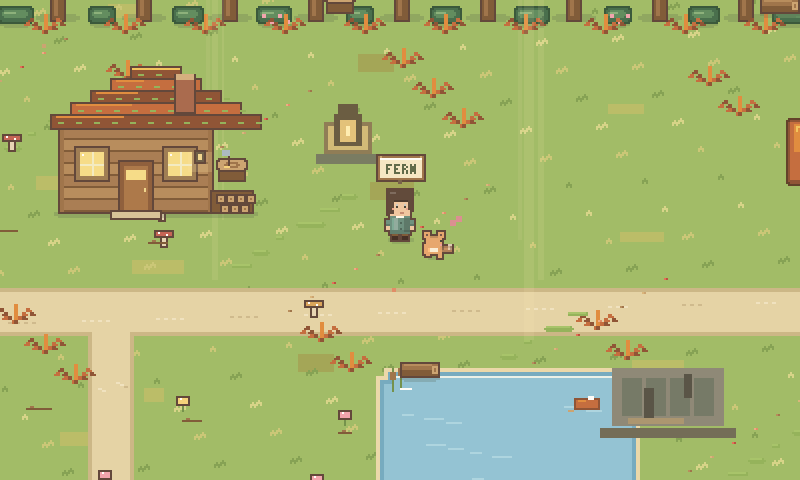
A character and a pet
Four free character styles and fifteen more to unlock. Pick a fox, cat, bunny, dog, slime or dragon, or paint your own pixel pet.
Small things to do
Fish at the pond, identify mushrooms, match shells and connect constellations. Each one pauses your timer first.
Four seasons
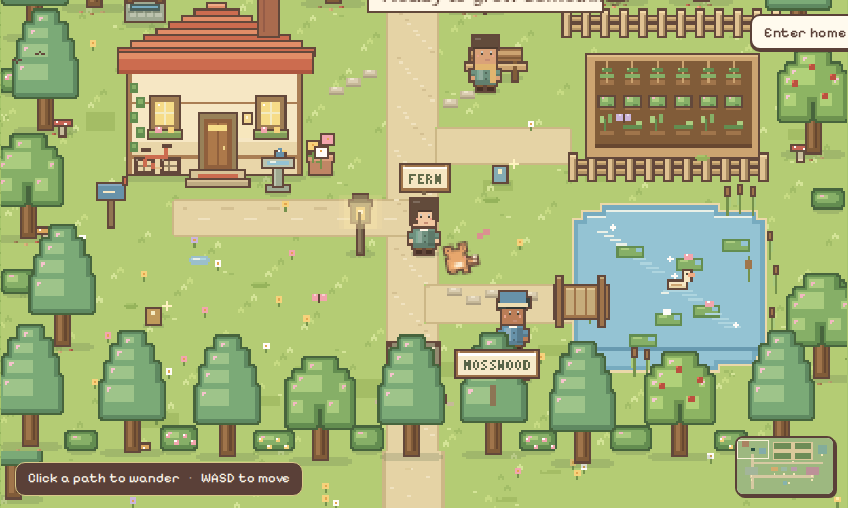
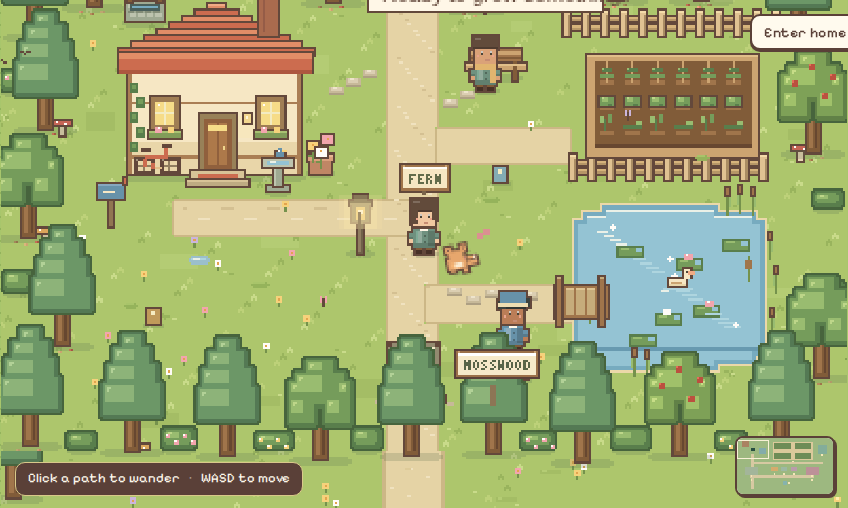
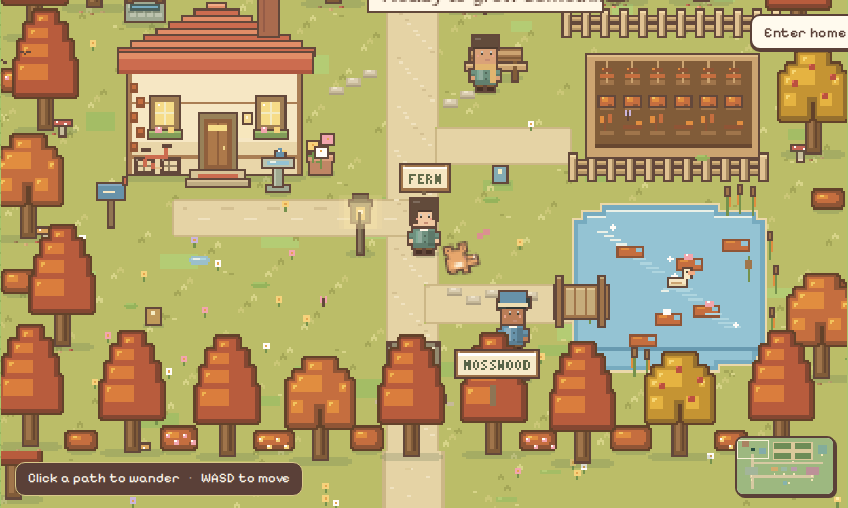
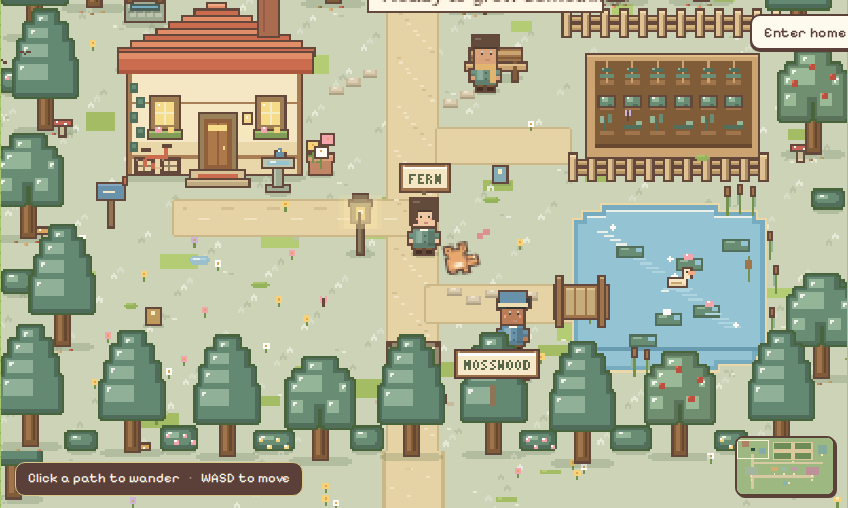
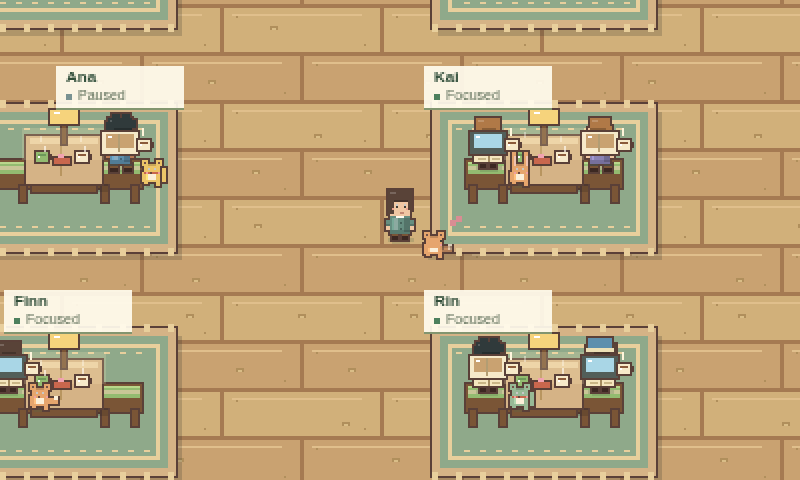
The calendar colours the world: spring blossom, summer green, autumn fire and winter snow, with lanterns after dark.
 Spring
 Summer
 Autumn
 Winter
Body doubling
Company, with the camera off
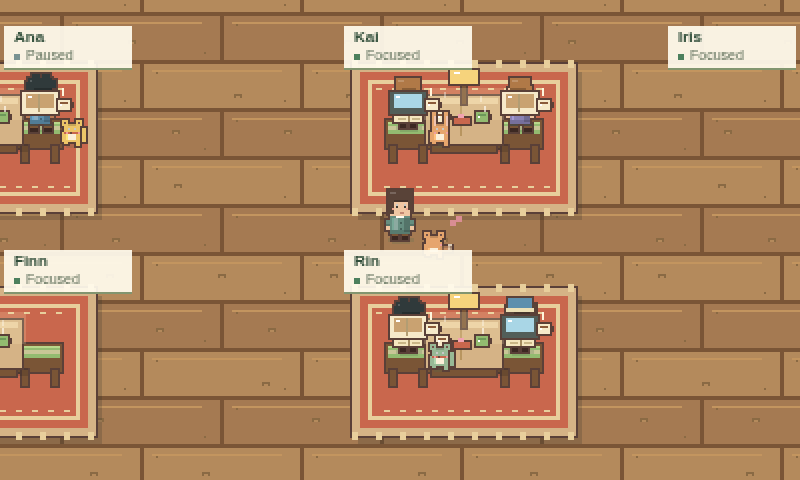
Sit down in a shared room and study next to other people. You see them at their desks; they see you at yours. Nobody sees your face or hears your room.
- You choose a room yourself. Nothing joins you automatically.
- Pick a silent study hall, a small cottage or the two-floor café with 24 seats per floor.
- Create a room with its own name and size, and friends can pick it from the room list.
- Room chat starts hidden. Town chat is filtered, rate-limited and easy to mute.
- Your timer stays yours. Reconnecting keeps your seat and session.
For Chrome
Bring your pet to every tab
The Study Grove Timer Pet extension puts a tiny companion at the edge of the websites you study on. It naps while you work. Tap it, and it shows how much of your session is left.
It shows the same timer as your open game, so it never counts time on its own, and it only reads what it needs to show the timer.
How the Timer Pet works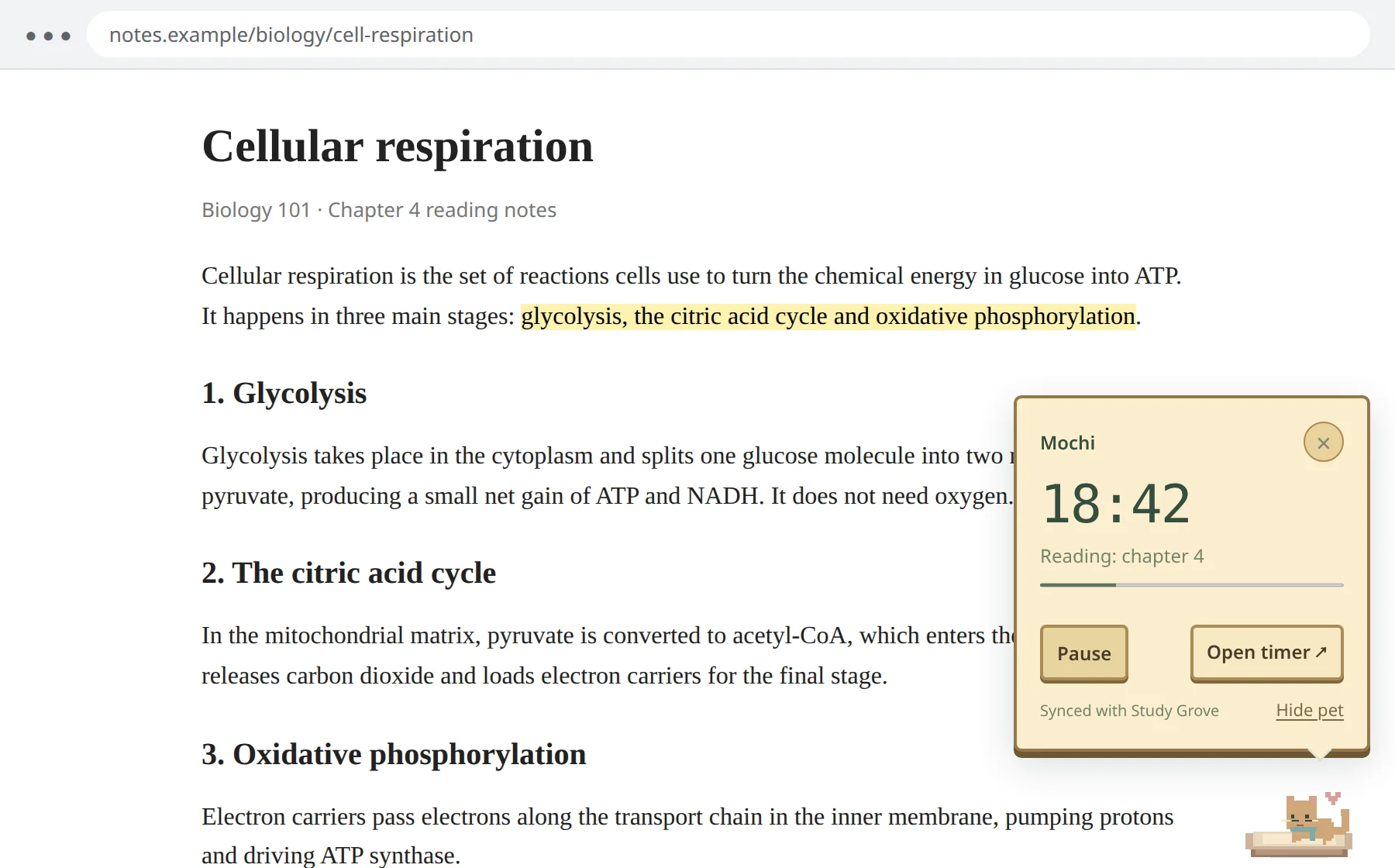
Before you start
Study Grove questions, answered
Is Study Grove free?
Yes. The focus timer, tasks, notes, flashcards, your character and pet, the cottage, every region and the shared study rooms are all free. There are no ads, no subscriptions and no paid currency. Coins come only from focusing.
Do I need to download anything?
No. Study Grove runs in any modern browser on a laptop, tablet or phone. If you like, you can install it from your browser so it opens in its own window like an app.
Do I need an account to play?
Yes, a free one. Sign in with Google, Discord, or an email and password. The same account keeps your cloud save in sync between devices and lets you join shared study rooms.
How does the focus timer work?
Choose 15, 25 or 50 minutes, or your own length, and press Start. Each completed minute of focus earns 2 XP and 1 coin, and every 25 focus minutes add a building material. Paused time earns nothing.
Will the game distract me from studying?
It is built not to. Mini-games, gathering and travel pause your focus timer when they start, and only real focus minutes earn rewards. You can also fold the whole interface down to the world and a single Focus button.
Can I study with friends?
Yes. Join the same shared room, or create one with its own name and size and have your friends pick it from the room list. Everyone keeps their own timer, and you see each other studying at nearby desks.
Can I use it on my phone?
Yes. The game has touch controls and runs in mobile browsers. A larger screen gives your world more room.
Will my progress be saved?
Yes. Your progress saves in your browser as you play and syncs to your account, so you can continue on another device. You can also export a backup file from Settings & backup.
Is the chat safe?
Chat is filtered on the server: profanity is masked, and slurs and harassment are blocked. Sending is rate-limited, chat bubbles in rooms start hidden, and you can mute or report anyone. Silent rooms have no chat at all.
How is it different from a regular Pomodoro timer?
A plain timer counts down and stops. Study Grove keeps your tasks, notes and flashcards next to the timer, turns finished minutes into progress you can see, and gives you a place to come back to, alone or with other people.
Is there a Study Grove browser extension?
Yes. The free Timer Pet extension for Google Chrome shows your pet and your focus timer on other websites while your game tab stays open. It never counts time on its own. It is not in the Chrome Web Store yet, and the Timer Pet guide explains how to install it.
Who is Study Grove for?
Anyone who studies or does focused work at a screen and wants a gentler reason to start: school and university students, people preparing for exams, and self-learners. It suits people who like cozy games, and people who find it easier to focus with others nearby.
More detail in the beginner’s guide, the focus timer guide, the study rooms guide and the Timer Pet guide.